Cango withdrawal: when a cashout is declined
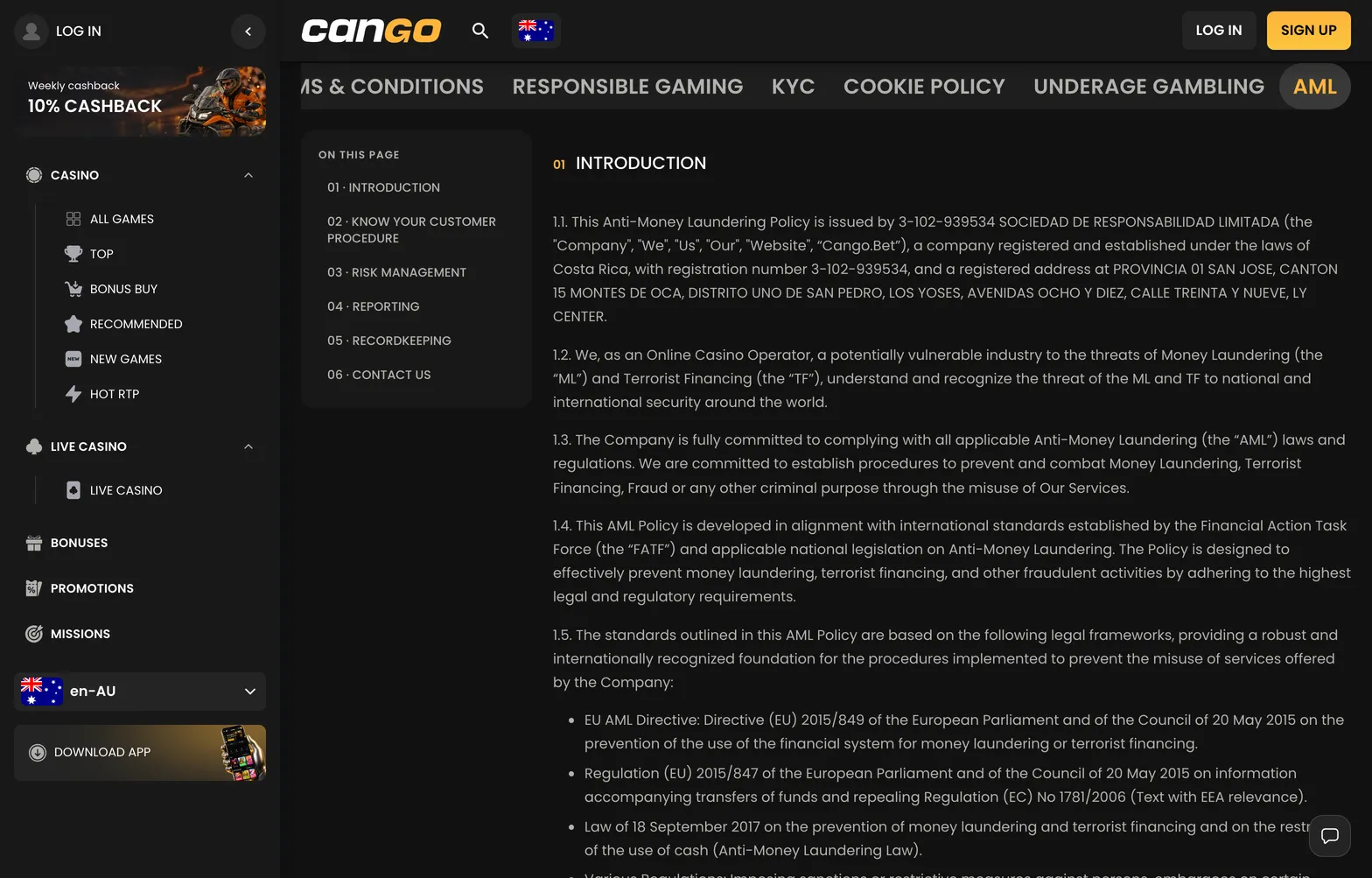
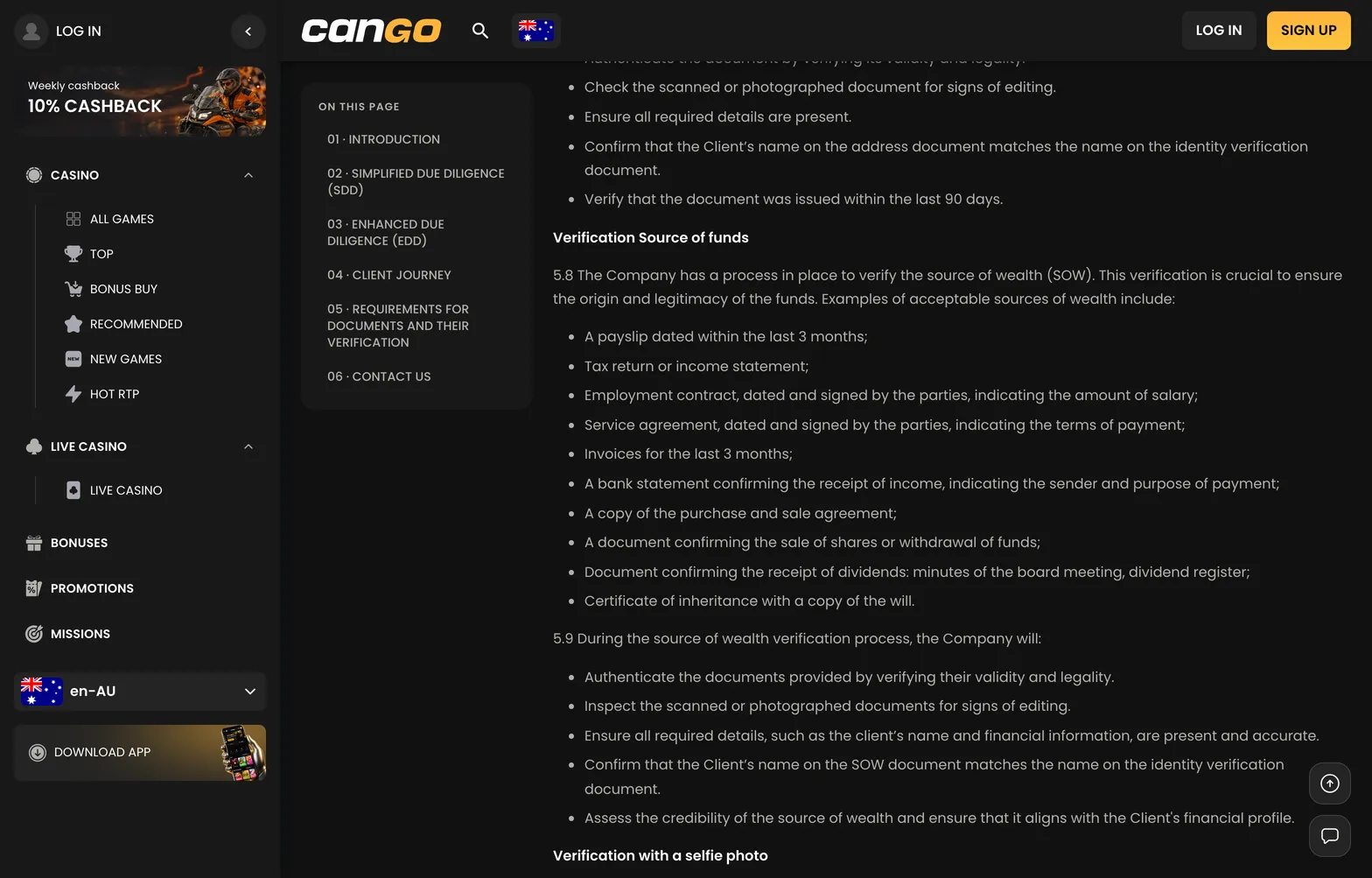
There are several practical reasons why a withdrawal might be declined. The most common cause is the failure to complete the account verification process (KYC). Cango requires you to submit a passport, national ID card, or another photo ID, along with proof of address not older than 90 days. If your documents are outdated, blurry, or do not match the registration details, the withdrawal will be held. Another frequent issue is attempting to withdraw to a method not owned by you. The casino verifies that the name on the credit card or crypto wallet matches your account holder name perfectly.
Furthermore, if you are currently using an active bonus, attempting to withdraw before completing the x30 wagering requirement will cause the system to block the transaction. Ensure you have played through your initial deposit at least once as well. If you have questions about a specific decline, the live chat support is available 24/7 to clarify the status. You can find more specific information on account management in our Cango app guide, which details how to navigate these settings on your portable device.
Cango cashout: the request route
Navigating the cashier to request your funds is a straightforward process once your account is verified. First, ensure you are logged into your Cango account. Navigate to the cashier section and select the ‘Withdraw’ tab. You will be presented with the available payment methods based on your initial deposit method. Select your preferred option, enter the amount you wish to withdraw, and confirm the details. It is essential to double-check the currency and the destination address for crypto transactions, as errors here cannot be rectified once the funds have been sent from the casino side.
Once you have submitted the request, your cashout enters a pending status. During this time, the financial team reviews your transaction history and confirms that all bonus conditions were met. The overall process can take up to 24 hours for review, followed by an additional 24-hour window for final approval. Once approved, the funds are released. For crypto, this often takes less than an hour, while bank card transfers may take 1-3 business days depending on your bank’s internal processing speed. You will receive a notification in your account dashboard when the status changes to ‘Approved’ or ‘Paid’.
Request
To initiate a request, access the cashier via your account menu. Choose your withdrawal method from the list, note that you must generally use the same method you used for your last successful deposit. Input the amount, keeping in mind the minimum threshold of $30 AUD. After clicking ‘Withdraw,’ the request is logged in the system. Ensure your profile is fully complete, including your phone number and verified email, as incomplete profiles can delay the review process.
Status
Your withdrawal status will appear in the transaction history section of your account. Possible statuses include ‘Pending,’ which means the request is awaiting review; ‘Processing,’ where the finance team is verifying the transaction; and ‘Approved,’ which indicates the funds have been sent. If you see ‘Declined,’ check the message provided, as it will often indicate whether you need to submit further documents or complete additional wagering. If you have any doubts, reach out to the 24/7 live chat for a quick update on your specific case.