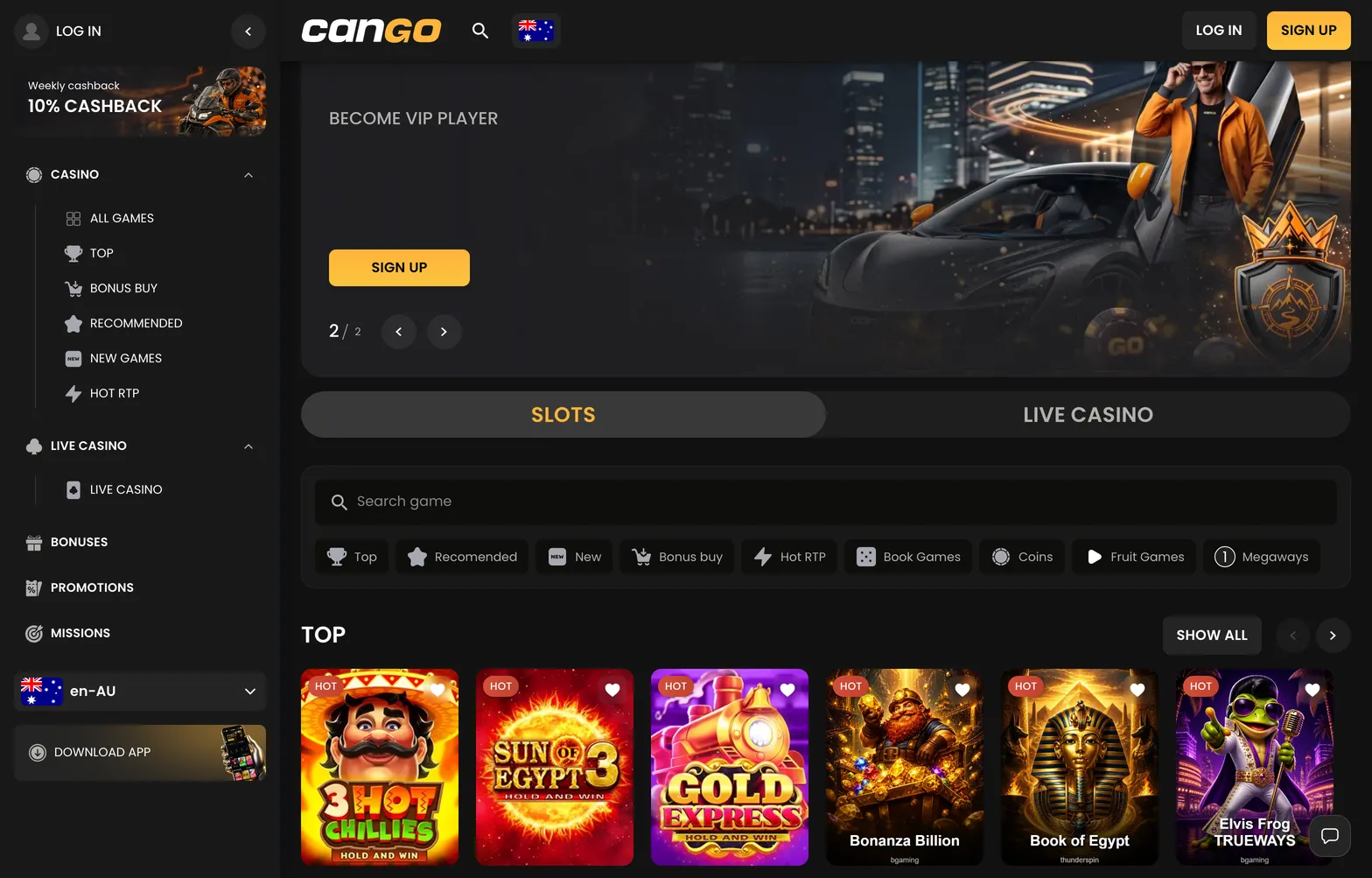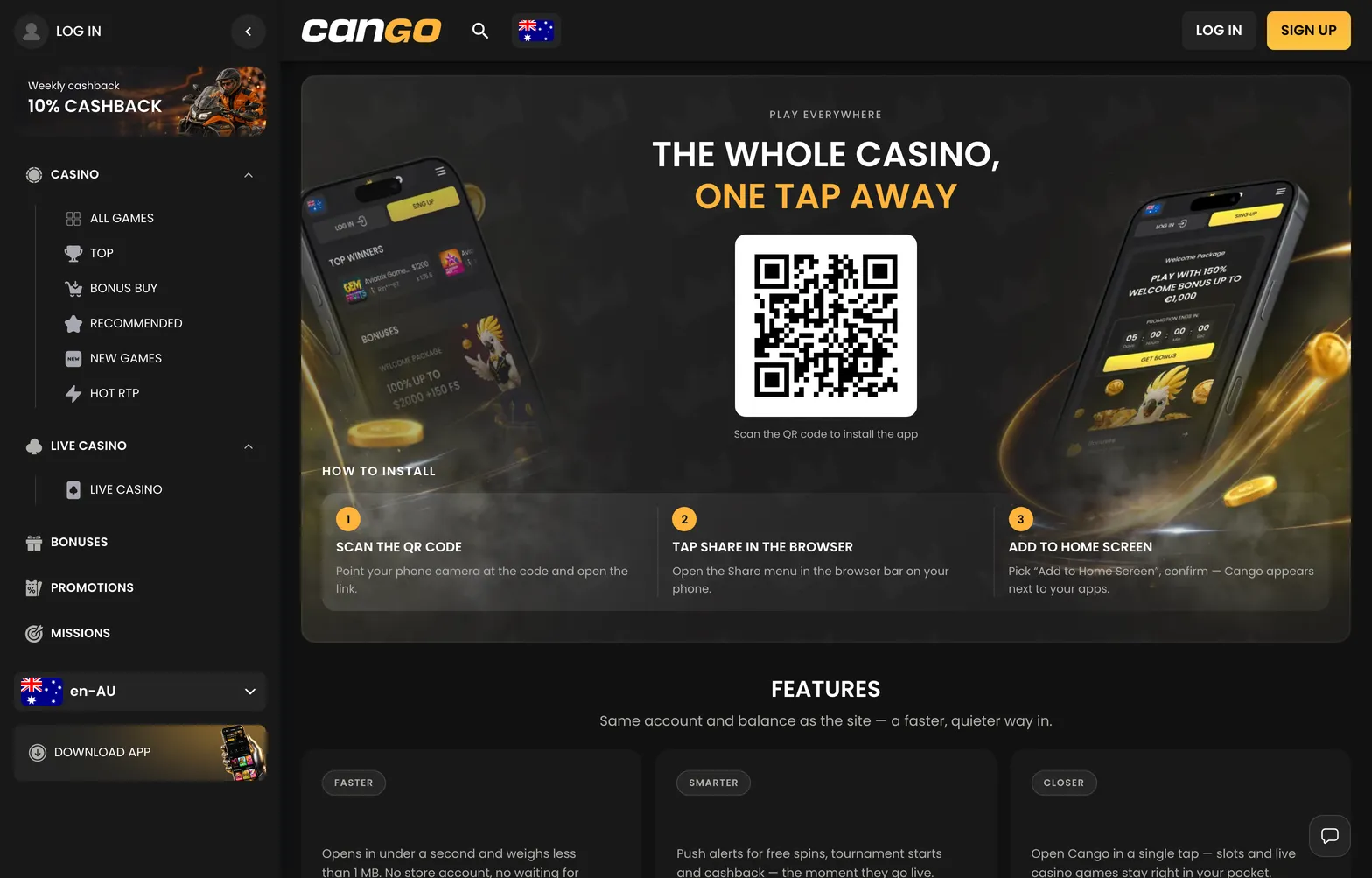

Using the cango login panel takes Kiwi players straight to the full lobby of pokies, the live dealer tables, and the daily Missions menu. Once you complete your registration on the single sign-up form, entering your credentials opens up your personal cashier, your active bonus tracker, and the weekly cashback badge in the main menu. This guide maps out exactly where every entry button sits across desktop browsers and the mobile web app, how the Google sign-in option connects to your profile, and what triggers an automatic security lock on a cango account when accessing the platform from New Zealand.
Cango casino login: the ways to sign in overview
Navigating the cango casino login options is straightforward because the interface uses the same layout across desktop screens, mobile browsers, and the installed web app. Whether you registered with a standard email address or connected a Google profile during your first visit, the entry window pops up in the centre of the screen without redirecting you away from the game categories. Below is the breakdown of the three main entry routes available to New Zealand players.
| Way | Where the button is | What you need |
|---|---|---|
| Email + password | Top right corner of the header on desktop and mobile browser | Registered email address and your password of 8+ characters |
| Continue with Google | Inside the sign-in pop-up window directly below the password field | An active Google account matching your registered casino email |
| Sign-in from the PWA | Home screen icon on iPhone or Android, then top right header button | Saved browser credentials or manual email and password entry |
Standard email entry is the primary method for a cango sign in. When you click the button in the top right corner, a compact modal overlay opens over the lobby. You type in your email address and the password of 8 or more characters that you set during registration. If you mistype your password or cannot recall it, the password reset link sits right below the input box. Clicking that link sends a recovery message to your inbox so you can create a new 8+ character combination without losing access to your balance or active promotions.
For mobile users who have added the progressive web app to their phone via Safari Share on iPhone or the Chrome menu on Android, the PWA launches straight into the lobby view. The session usually stays active on your personal device if you allow the browser to remember your login state. If your session times out after a period of inactivity, tapping the header button brings up the exact same modal window.