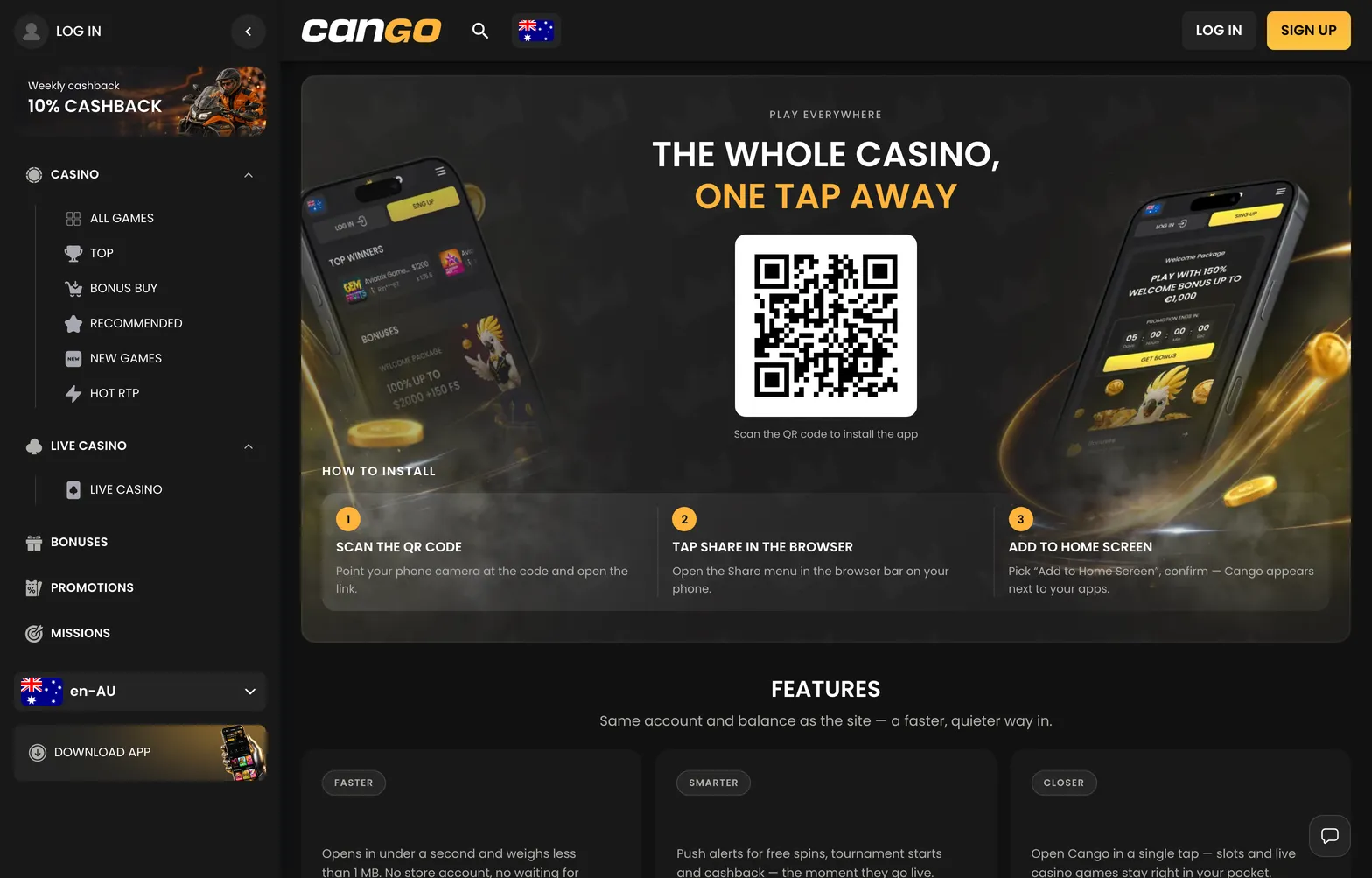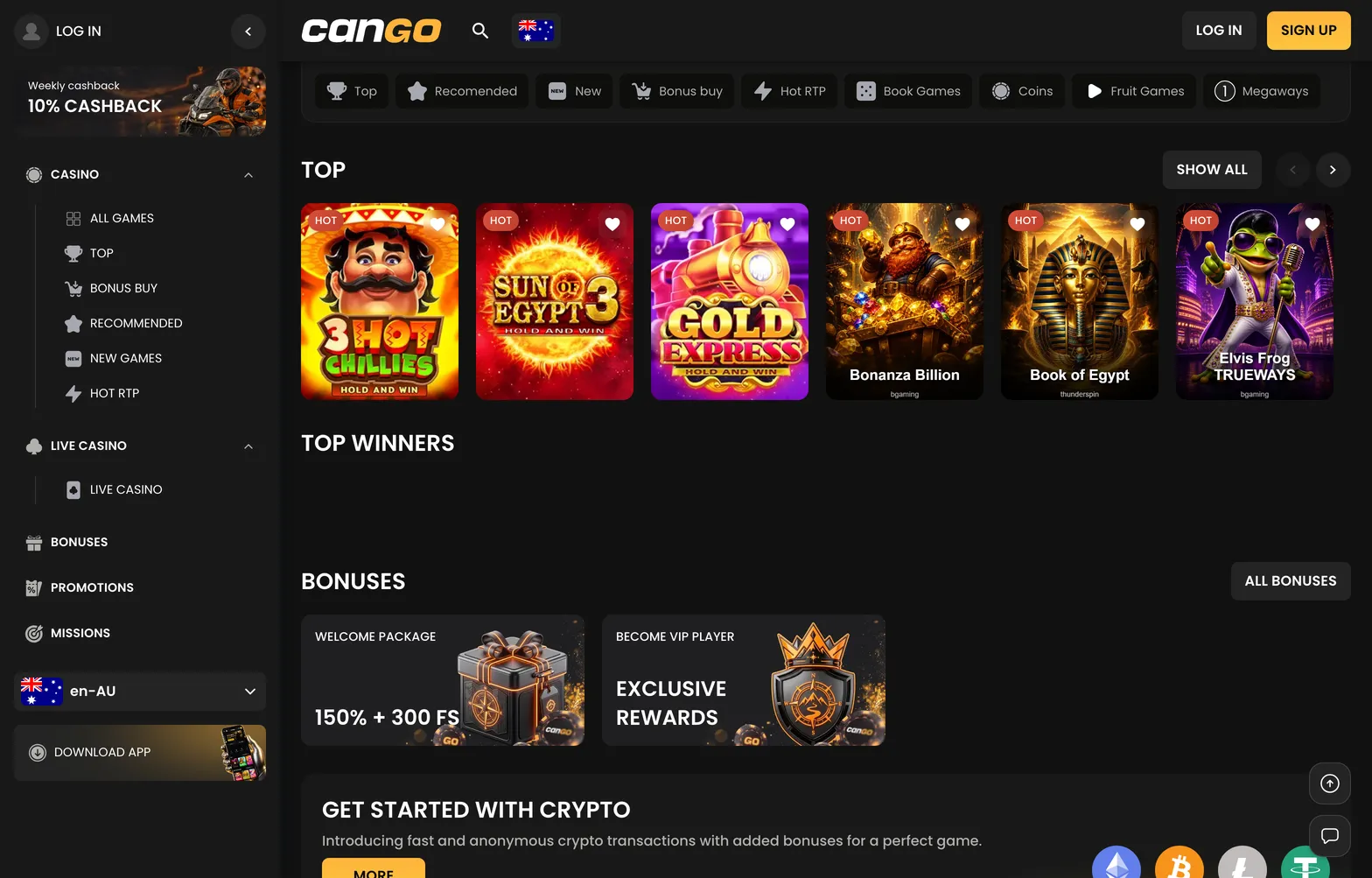

Kiwi players looking for the cango app will not find a package in the Apple App Store or Google Play. Instead, Cango runs as a Progressive Web App, or PWA, which installs directly from your mobile browser onto your home screen. It gives you the full lobby of pokies, the live dealer tables, and the cashier in a standalone window without the browser address bar. Because there is no NZD in the cashier, New Zealand accounts operate in AUD or EUR, and a minimum deposit of $15 AUD applies whether you top up on desktop or from your phone.
Cango casino app: install summed up
Setting up the cango casino app takes about thirty seconds on modern phones and tablets. Because the software uses a web-based wrapper rather than a large native file, you bypass store logins and regional store blocks completely. You can either navigate to the lobby in your mobile browser or scan the QR code shown in the desktop menu with your phone camera to jump straight to the right page.
| Device | Steps | What you need |
|---|---|---|
| Android phones and tablets | Open the site in Chrome, tap the three-dot menu, select Install app or Add to Home screen, and confirm. | Chrome browser, active internet connection, about 5 MB of free storage |
| iPhone and iPad | Open the site in Safari, tap the Share icon at the bottom, scroll down to Add to Home Screen, and tap Add. | Safari browser, iOS or iPadOS, stable data or Wi-Fi connection |
| Desktop and laptop | Open the lobby in Chrome or Edge, click the install icon on the right side of the address bar, and confirm. | Chrome or Edge browser, Windows or macOS |
Once the icon sits on your screen, tapping it launches the lobby in full-screen mode. iPhone users must use Safari for this step, as Apple restricts home screen web installations from third-party browsers on iOS. On Android, Chrome handles the PWA protocol natively and builds an app drawer icon alongside your other phone tools.